
HIPAA Technical Safeguards 101: A Beginner’s Guide to Audit-Ready Documentation

Hey there! I’m Darlene, and if the mere mention of "HIPAA Technical Safeguards" makes you want to retreat into a pile of patient charts, I totally get it. For a lot of solo providers and small clinics, the HIPAA Security Rule feels like it was written for a giant hospital system with a 50-person IT department, not a community-focused practice trying to keep the lights on and the patients healthy.
At Veri-Se3ure, we see this "compliance gap" every day. You want to protect your patients, and you want to follow the rules, but you don't have time to become a cybersecurity expert overnight. That’s why we built the Veri-Hub Compliance Dashboard, a HIPAA technical security and compliance platform specifically for solo providers, clinics, and small healthcare practices that need clear, audit-ready documentation without the headache of enterprise-level complexity.
In this guide, we’re going to strip away the jargon and look at what technical safeguards actually are, how to implement them, and, most importantly, how to document them so you’re ready if an auditor ever knocks on your door.
What Are Technical Safeguards, Anyway?
In the world of HIPAA, safeguards are broken into three buckets: Administrative, Physical, and Technical.
While administrative safeguards cover things like your office policies, and physical safeguards cover things like locks on your doors, Technical Safeguards are focused on the technology you use to protect electronic Protected Health Information (ePHI). Think of them as the "digital locks and alarms" for your practice.
The goal isn't just to have the tech in place; it’s to have a system that controls who can access ePHI and monitors what happens to that data once they’re in.
The "Required" vs. "Addressable" Trap
Before we dive into the specific standards, we need to clear up a major point of confusion. HIPAA categorizes implementation specifications as either "Required" or "Addressable."
Required: You must do this. No questions asked.
Addressable: This is not optional. It means you must assess if the safeguard is "reasonable and appropriate" for your specific practice. If it is, you implement it. If it isn't, you must document why it isn't and what equivalent measure you put in its place.
Documentation is the key here. If an auditor sees an addressable item isn't implemented and you have no record of why, that's a red flag.

The Five Pillars of Technical Safeguards
The HIPAA Security Rule lists five core standards for technical safeguards. Let's break them down into plain English.
1. Access Controls
This standard is all about ensuring that only the people who need to see ePHI can actually see it. You wouldn't give the person who mows the lawn the keys to your medical records cabinet, right? The same logic applies digitally.
Unique User Identification (Required): Every single person in your office needs their own username and password. Sharing a "frontdesk1" login is a major HIPAA no-no because you can't track who did what.
Emergency Access Procedures (Required): What happens if there’s a power outage or a system crash? You need a documented way to get to your data in an emergency.
Automatic Logoff (Addressable): If a staff member walks away from their desk to help a patient, the computer should automatically lock after a few minutes of inactivity.
With the Veri-Hub Compliance Dashboard, you can easily document and track employee access levels, ensuring everyone has the right level of "keys" to your digital kingdom.
2. Audit Controls
If Access Controls are the locks, Audit Controls are the security cameras. This standard requires you to implement hardware, software, or procedural mechanisms that record and examine activity in information systems that contain or use ePHI.
Basically, you need to be able to look back and see who accessed a patient's record and when. This is a cornerstone of being "audit-ready." If you can't prove who was in your system, you can't prove you're protecting it.
3. Integrity Controls
Integrity is just a fancy way of saying "making sure the data isn't messed with." You need policies and procedures to protect ePHI from being improperly altered or destroyed.
This might mean setting "read-only" permissions for certain staff members so they can see a file but can't accidentally delete a diagnosis or change a prescription record.
4. Person or Entity Authentication
How does your computer know that the person typing in the password is actually who they say they are? This safeguard requires you to implement procedures to verify that a person or entity seeking access to ePHI is the one claimed.
In the modern world, this often means Multi-Factor Authentication (MFA): that's when you enter your password and then get a code on your phone. It’s one of the single most effective ways to stop hackers in their tracks.
5. Transmission Security
When you send an email to a specialist or upload a file to a cloud server, that data is "in transit." Transmission security is about making sure that data isn't intercepted by someone it wasn't intended for.
Encryption (Addressable): While technically "addressable," in 2026, encryption is essentially a requirement. If you send ePHI, it should be encrypted. If a laptop containing encrypted ePHI is stolen, it often doesn't even count as a "breach" under HIPAA because the thief can't read the data.

Why Documentation is Your Best Friend
Here is the cold, hard truth: If you didn't document it, it didn't happen.
You could have the most secure office in the world, but if an HHS auditor shows up and you don't have the paperwork to prove your encryption protocols or your access logs, you are in trouble.
Small practices often struggle here because they are "doing" the security but not "recording" it. This is where Veri-Se3ure steps in. Our platform centralizes the core safeguards required under the HIPAA Security Rule. We help you stay organized across four vital pillars:
Document and Track Employee Access Levels: See at a glance who has access to what.
Assign and Monitor Annual Cyber-Awareness Training: Human error is still a leading cause of breaches. We help you train your team and keep records of who completed what.
Record and Manage Incident Response Reporting: If something goes wrong, you need a clear trail of how you handled it. Automated incident reporting can save you hours of stress.
Maintain Professional Security Policies: Through our integrated offering, Veri-Se3ure Policies, you get an audit-ready policy library specifically tailored for small practices. No more generic templates that don't fit your workflow.
Practical "How-To" for Small Practices
Ready to get your documentation in order? Here’s a quick checklist to get started:
Step 1: Inventory Your Tech. Make a list of every computer, tablet, and phone that accesses patient data.
Step 2: Check Your Logins. Ensure every staff member has a unique ID. No sharing!
Step 3: Enable Encryption. Check your EHR and email provider. Are they encrypting data at rest and in transit? Document the settings.
Step 4: Review Your Logs. Set a calendar reminder once a month to look at your system access logs. Document that you did this review.
Step 5: Centralize Everything. Stop keeping your compliance info in five different folders and three different email threads.
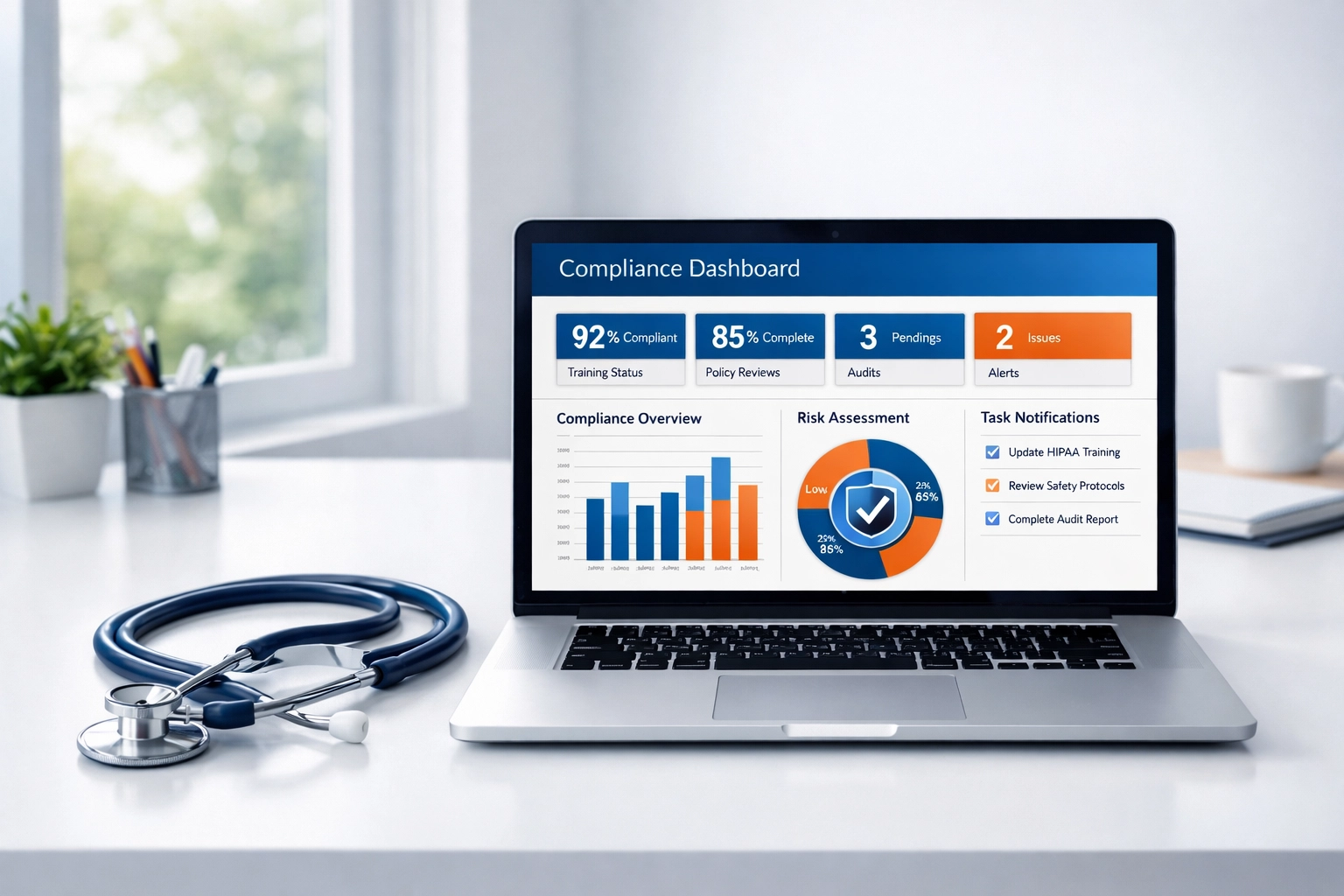
The Veri-Hub Compliance Dashboard keeps your audit trails, documentation, and employee information in one all-in-one place. It’s designed to save you time so you can get back to what you actually went to school for: caring for your patients.
Final Thoughts
HIPAA compliance doesn't have to be a nightmare. By focusing on the five technical safeguards and keeping your documentation clean and centralized, you're not just checking a box for the government: you're building a protective shield around your practice and your patients' trust.
At Veri-Se3ure, we’re here to bridge the gap. We provide the tools that solo providers and clinics need to stay secure without the enterprise price tag or complexity.
If you're ready to take the stress out of your technical safeguards, why not check out our pricing or contact us to see how we can help? We’ve got your back.
Legal Disclaimer:The information provided in this blog post is for educational and informational purposes only and does not constitute legal or professional advice. While Veri-Se3ure and the Veri-Hub Compliance Dashboard are designed to assist small practices in their compliance journey, use of these tools does not guarantee compliance with the HIPAA Security Rule or any other regulatory requirement. Practices should consult with legal counsel or a qualified compliance professional regarding their specific situation.


Comments